Create entry
Creating a new entry is quick and easy in monkkee. With just a few clicks you are in the editor and can get started straight away.
Start new entry
Click on that Pen iconto start a new entry. This will start the creation process immediately.
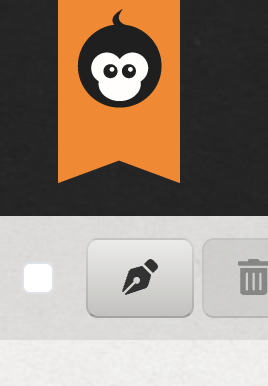
Use the pen icon to start a new entry
Switch to editing
After starting you will automatically switch to the Single view / editing view of the new entry. You can there just start typing and write your text.
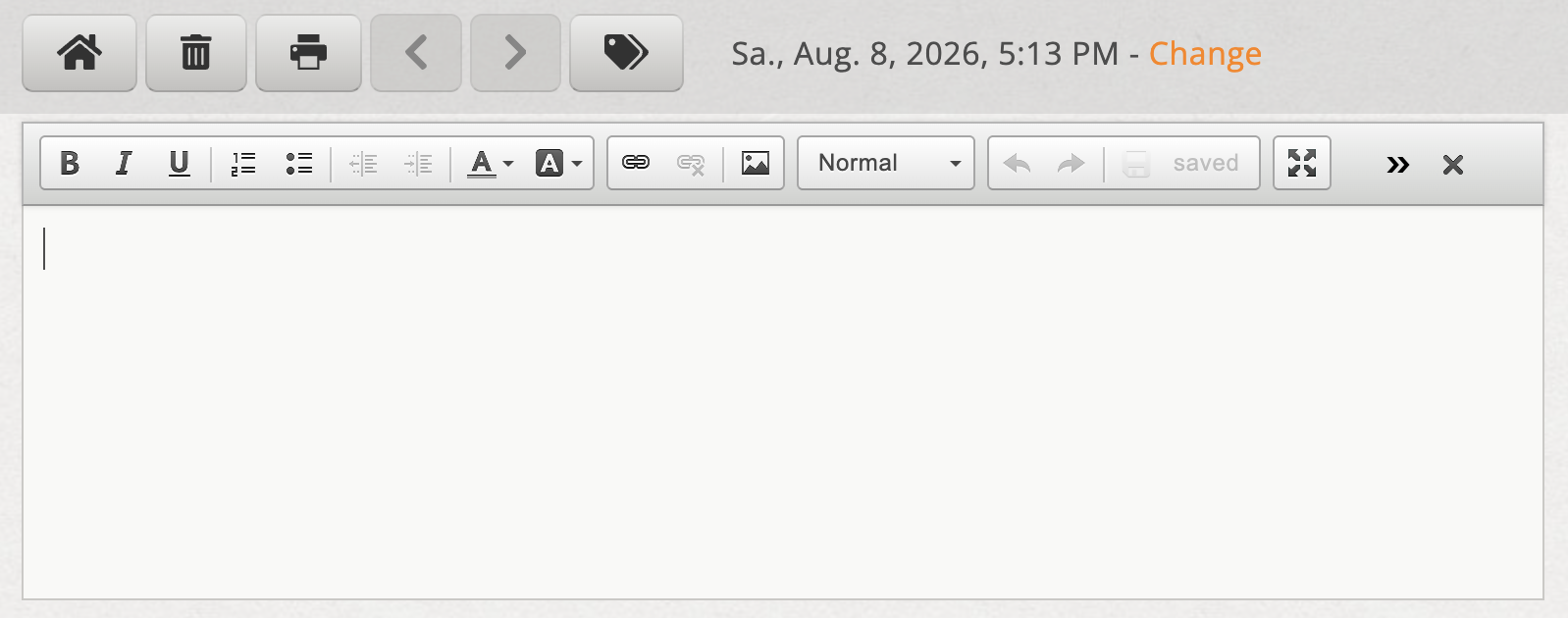
Empty entry in single view/edit view
Save
As you write there is one Auto storage active. Clicking on the Save button is therefore optional.