Edit entry
Editing an existing entry is quick. You open the entry from the overview and start editing directly in the individual view.
Open entry from the overview
Go to the entry overview and click on the entry you want to edit.
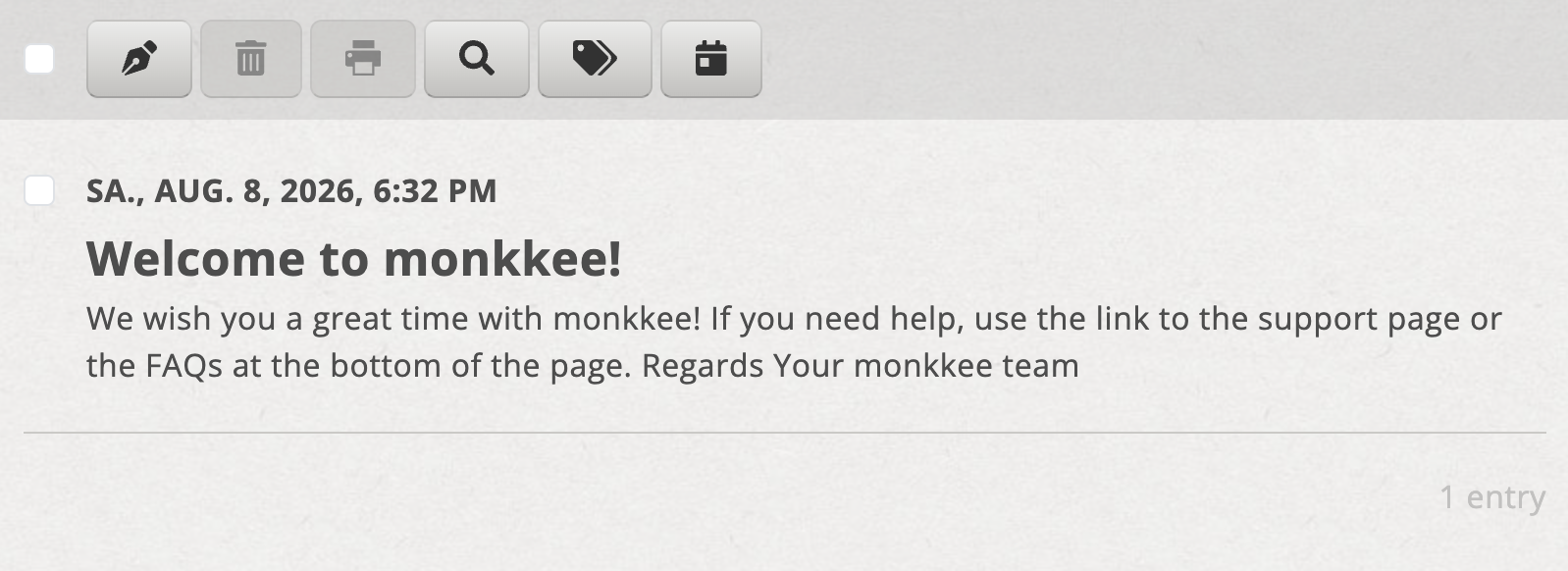
Click on the desired entry in the overview
Start editing
After clicking you will end up in the Single view, but first in Reading mode. The editor toolbar is initially hidden. Simply click on the entry to start editing.
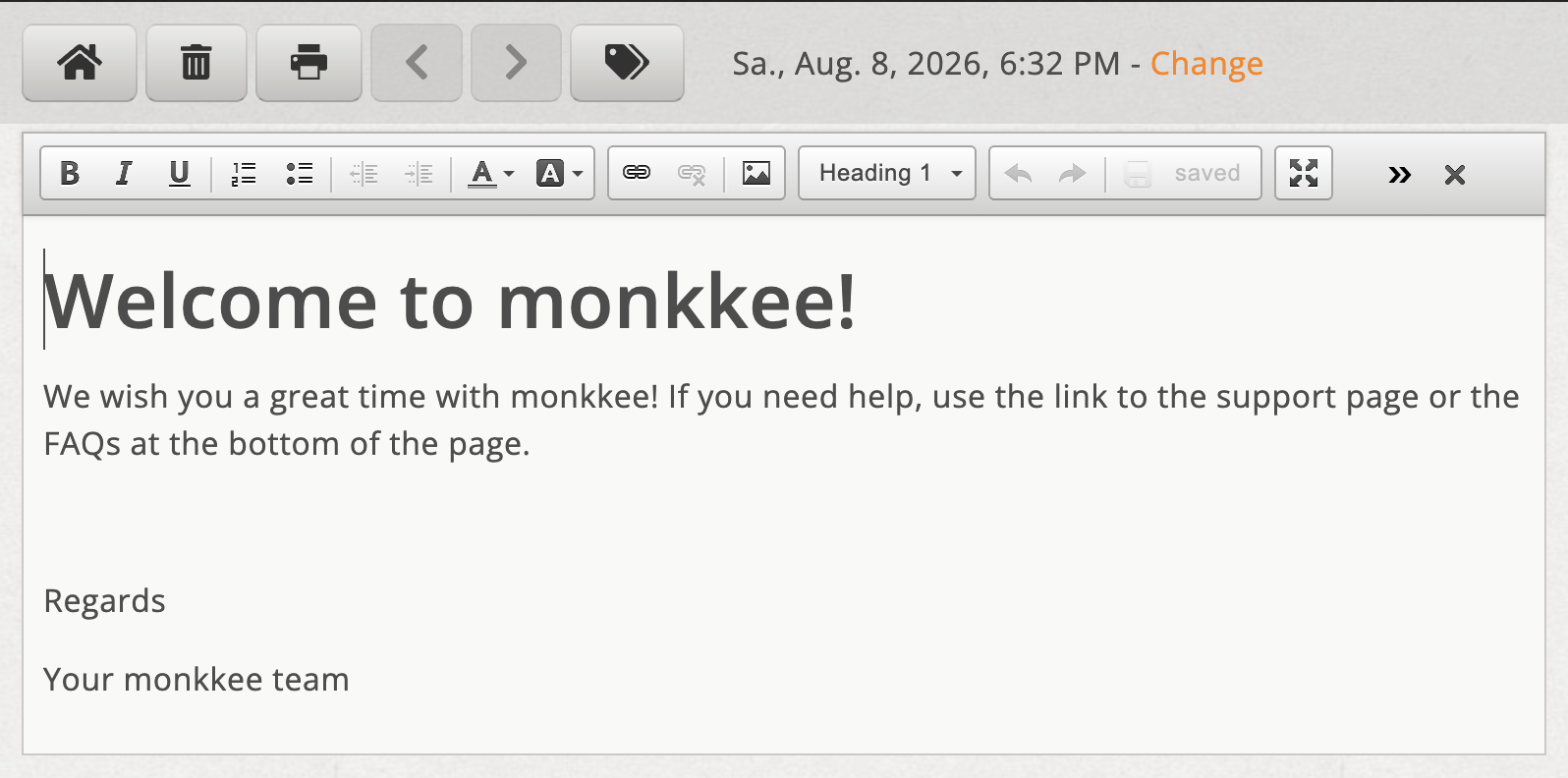
By clicking on the entry you start the editing mode
Auto storage
As you make changes, one is Auto storage active. So you can easily write without having to save every step manually.
Close edit mode
If you want to switch back to reading mode, click that X in the editor toolbar. This will hide the toolbar again.