Delete entry
If you no longer need an entry, you can delete it directly in monkkee. This works for individual entries immediately in the individual view.
Delete entry individually
First open the desired entry in the individual view. You'll find it there Delete icon, which you can use to start the deletion process.
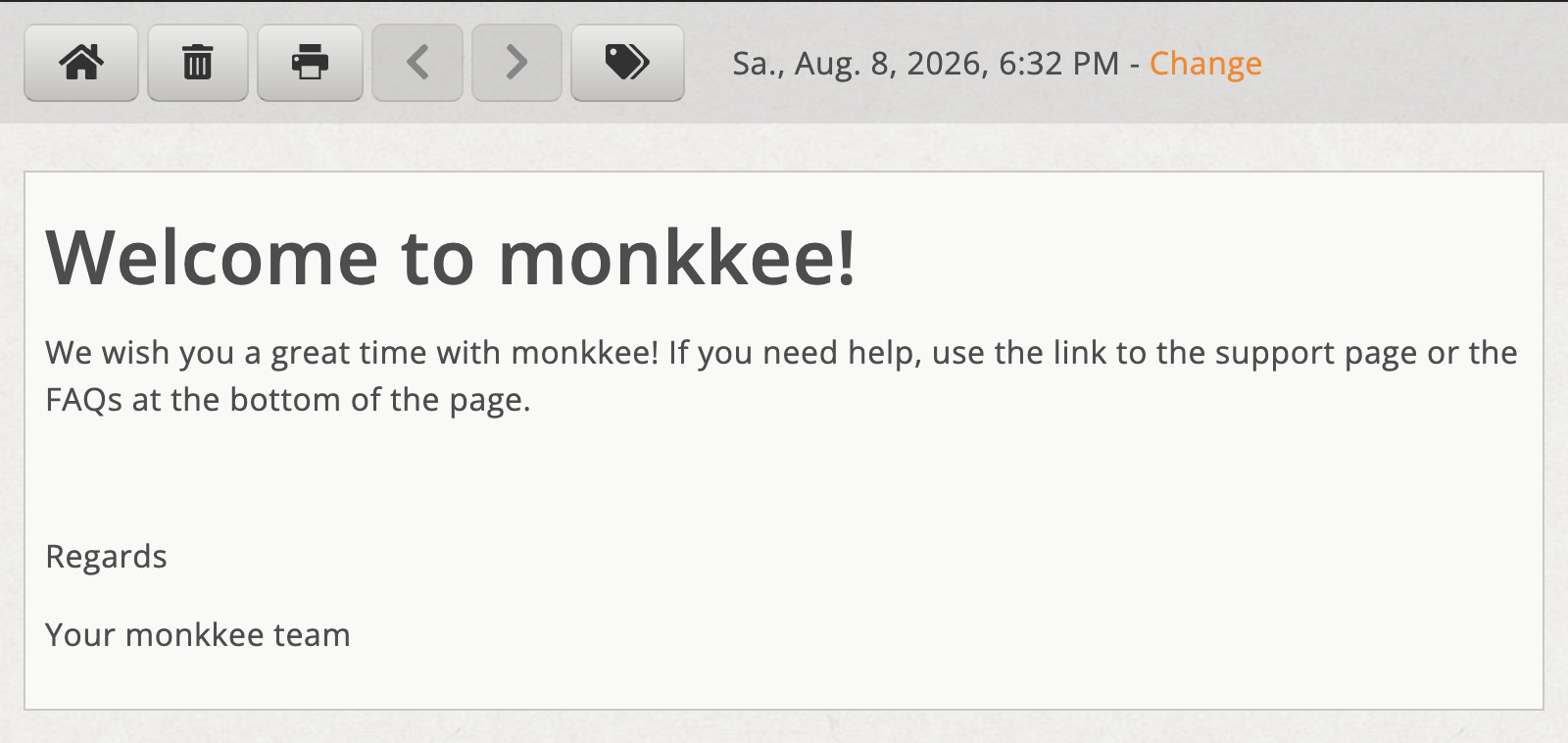
Delete entry in the individual view
After clicking, a appears Confirmation dialog. Confirm it when you enter the entry really want to delete. Afterwards you will automatically be returned to the Entry list forwarded.
Delete multiple entries
If you want to delete several entries at the same time, use this Multiple processing.