Bulk editing
With multiple editing you can manage multiple entries in one step. This is particularly useful if you want to delete or print a lot of entries.
Selection via checkbox
You start the multiple selection in the entry list.
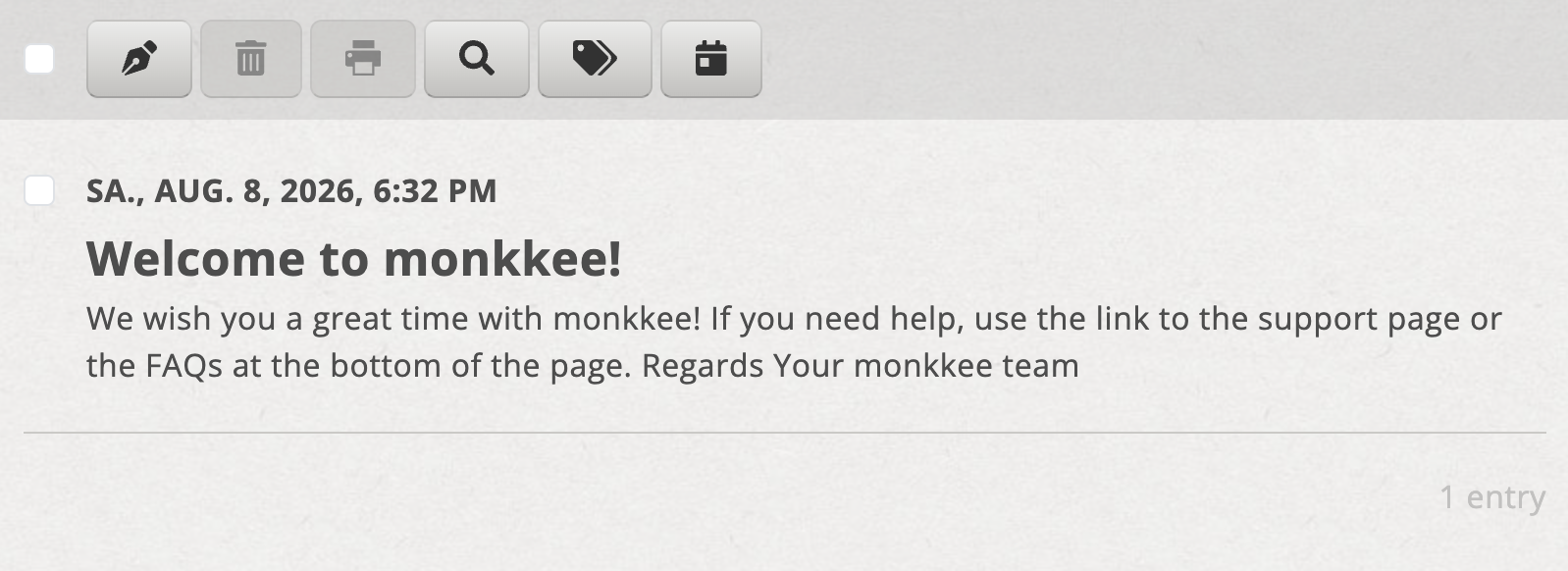
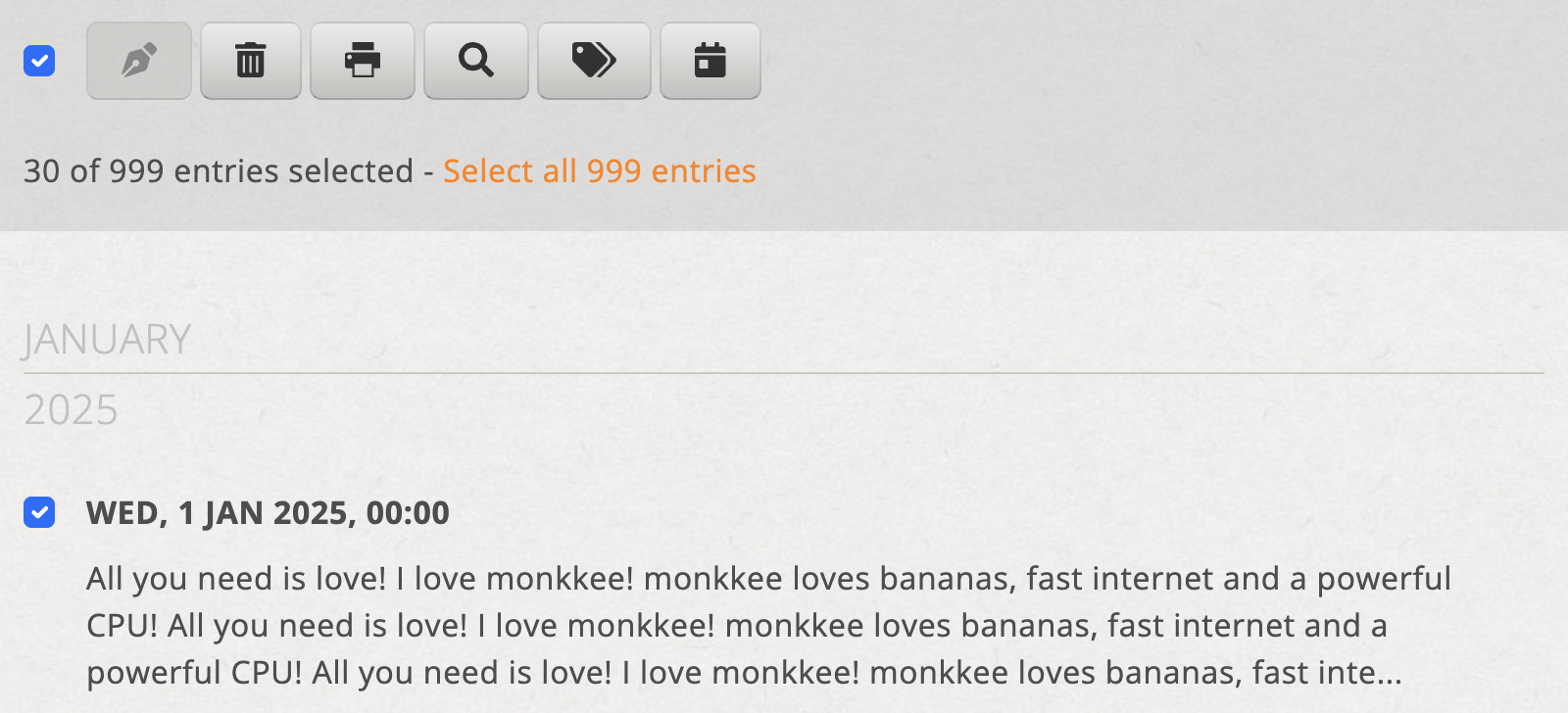
You can select entries individually using the checkbox in front of each entry. Use the checkbox in the toolbar to select all currently visible entries at once.
If there are more entries than are currently visible, you can also select all existing entries. This makes sense, for example, if you want to print your entire diary. When deleting, you should use this option with particular caution.
Delete
If you want to delete several marked entries, start the action via the toolbar. A appears before the final deletion Confirmation dialog. The selected entries will only be deleted after your confirmation.
Press
To print, first mark the desired entries and then start the print action. Your browser's print dialog will then appear. You can find out more about this in the article Print or export entries.