List entries
In the entry list you get a quick overview of your existing entries. This way you can find older content again and continue working in a targeted manner.
Entry list
Open your list of entries to see all existing entries in one view. From there you can select an entry and open it directly.
The sorting order is fixed: new to old. The last written entry is there usually at the top.
Important: The date of entries can be changed. The set date is always used for sorting What matters is not the original time of writing. You can find out more about this here: Change the date of an entry.
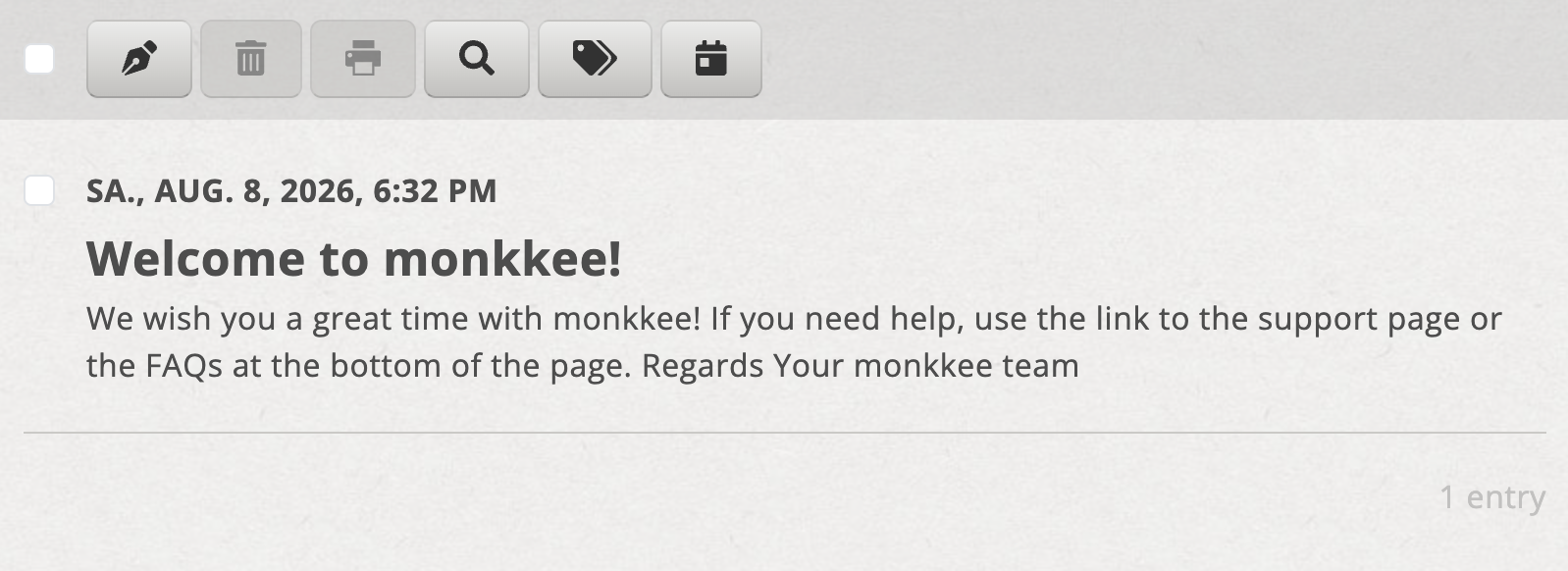
The entry list shows you all existing entries
Multiple processing
There is a separate help article for editing multiple entries: Multiple processing.