Search by text
You start the search on the entry overview page. This way you can quickly find entries that contain a specific term.
Open the search
Click the Search button in the toolbar of the entry overview.
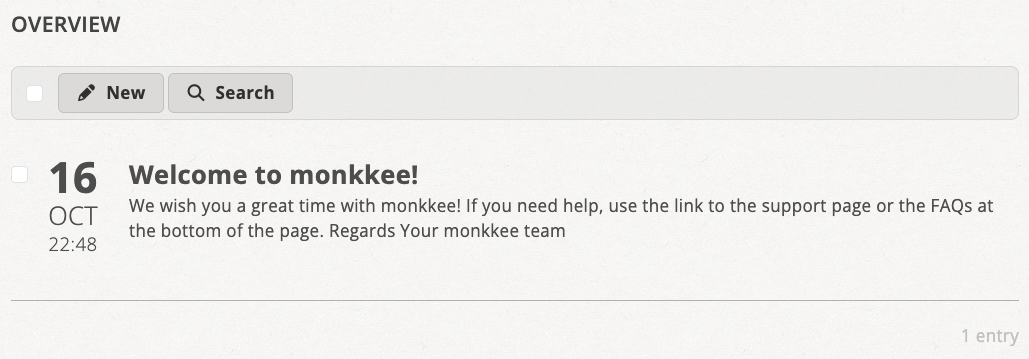
Use the search button in the toolbar to open the search dialog
Search for text
Enter your search text in the Text field of the search dialog and click Search.
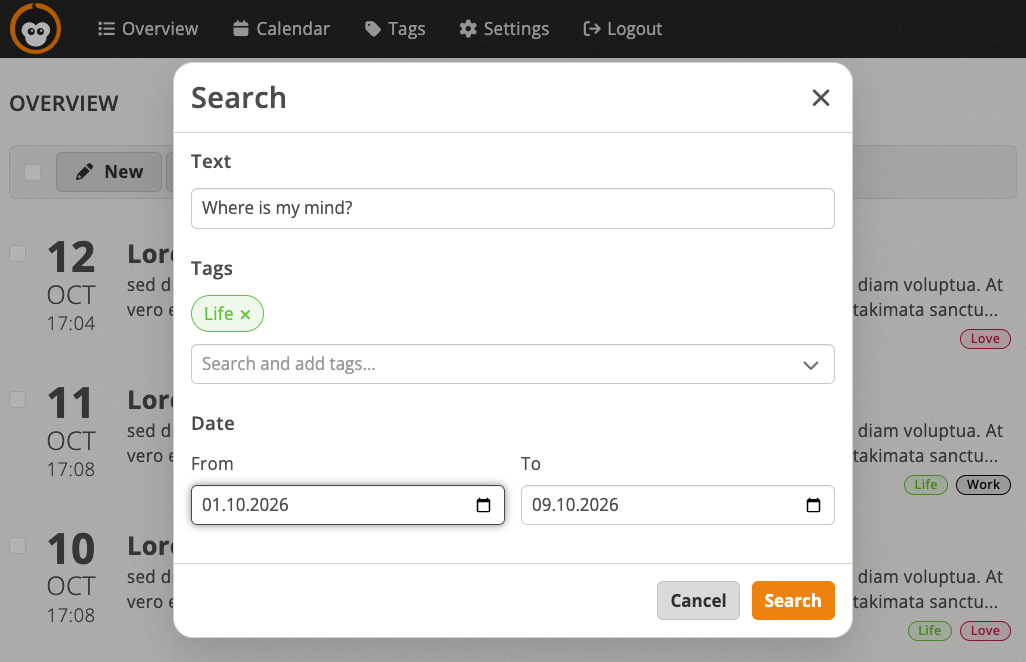
Specify text, tags and date in the search dialog
You can combine the text search with the search by tag and the search by date. Only entries that match all specified criteria are then shown.
To search for text, all entries must be decrypted on the client (your device). Depending on the size of your entries, the search may take a little longer.
Search results and resetting the search
The active search criteria are displayed above the entry list. With reset you reset the search and see the complete list again.
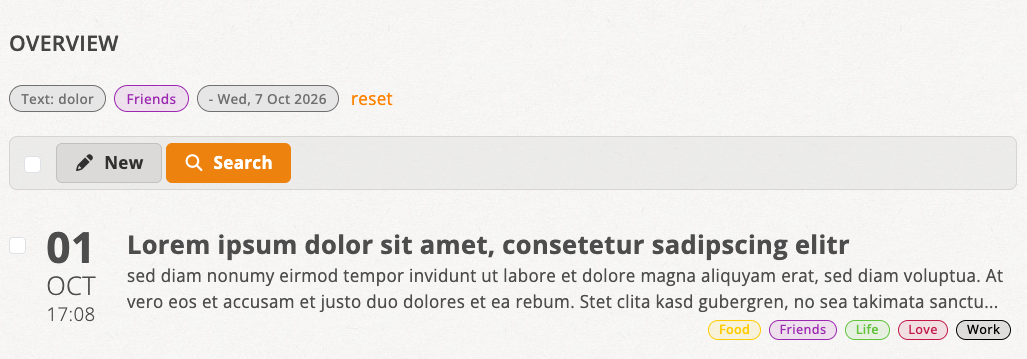
Active search criteria above the list; reset the search with “reset”