Search by date
The date search also begins on the entry overview page. This allows you to display entries specifically for a specific day.
Search by date
Click on the date entry field to open the date picker. Then select the desired date.
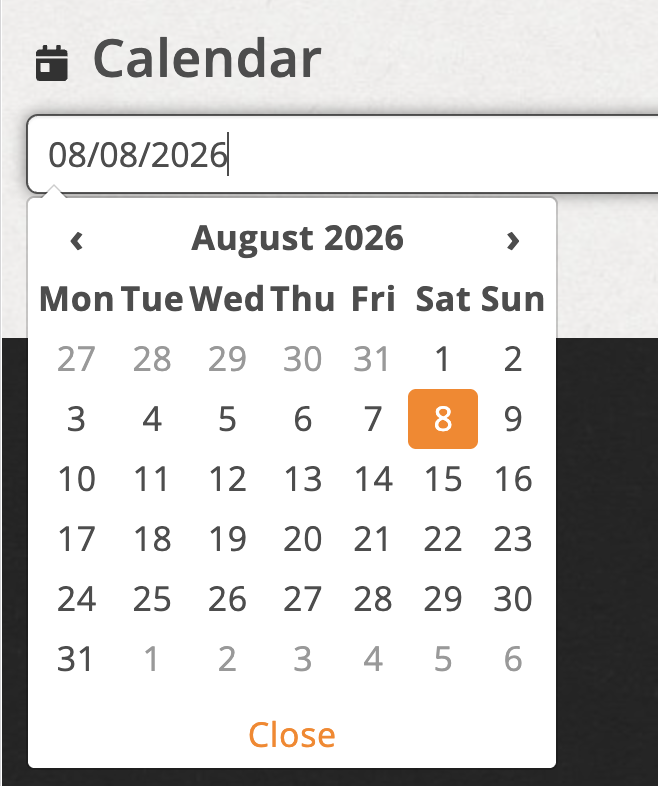
Select a date using the date input field
In the date picker you can only select dates for which entries exist.
Reset search
With reset you reset the date search.

Reset the date search with “reset”.