Search by tag
You also start the search by tags on the entry overview page. This allows you to filter entries by keywords.
Open the search
Click the Search button in the toolbar of the entry overview.
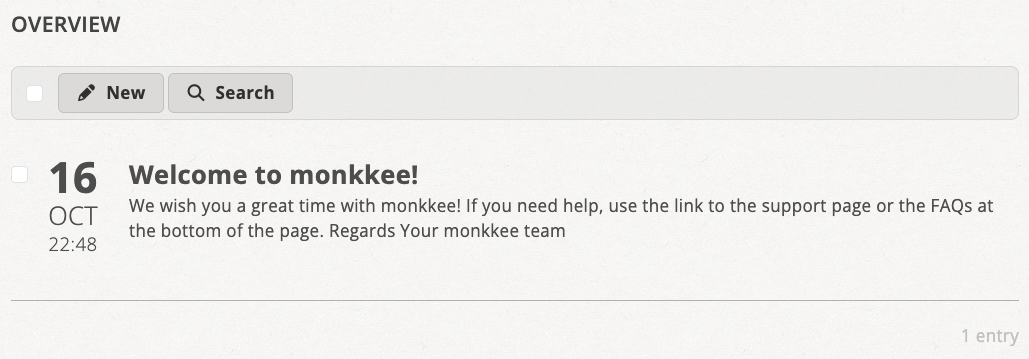
Use the search button in the toolbar to open the search dialog
Search by tag
In the Tags section of the search dialog, select the desired tags and click Search. You can also search for multiple tags at the same time.
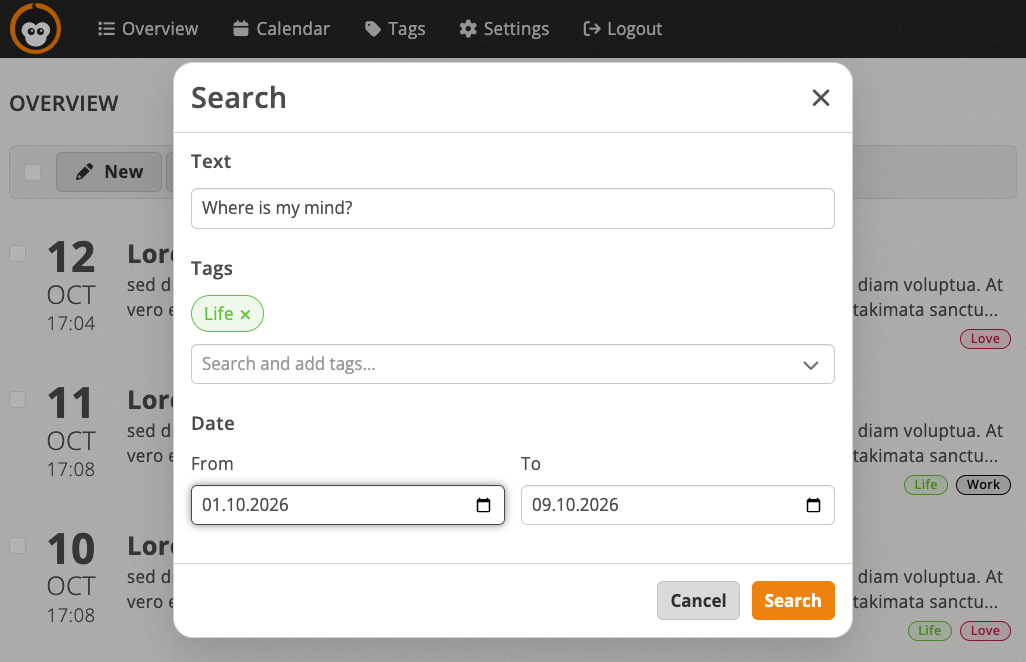
Tags you have already selected are shown above the input field in the search dialog
You can combine the tag search with the search by text and the search by date.
Filter tags while typing
When you start typing in the Tags field, matching tags are displayed as suggestions (typeahead search). This is especially useful if you have many tags.
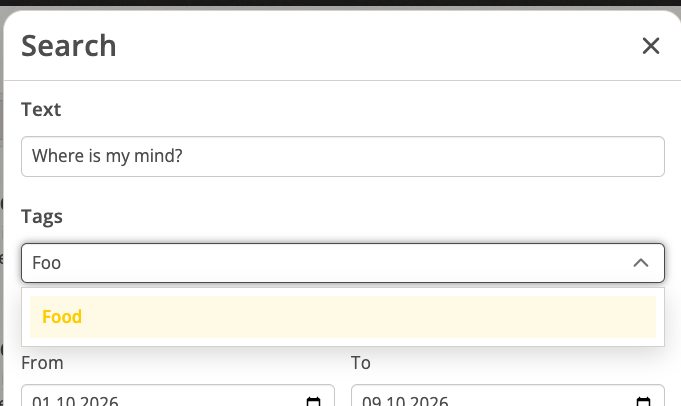
Matching tags are suggested as you type
You can click a suggestion with the mouse or select it using the arrow keys on your keyboard.
Search results and resetting the search
The active search criteria are displayed above the entry list. With reset you reset the search.
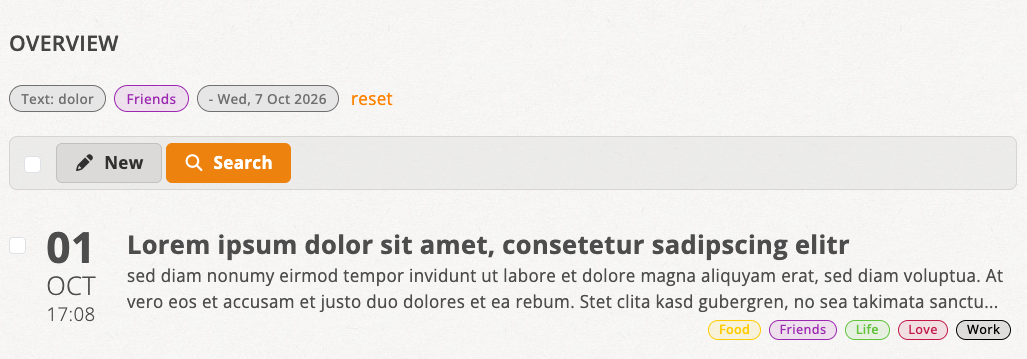
Active search criteria above the list; reset the search with “reset”