Change an entry's date
You can adjust the date of an existing entry at any time. This works directly in the individual view of the entry.
Open entry
First open the desired entry in the individual view.
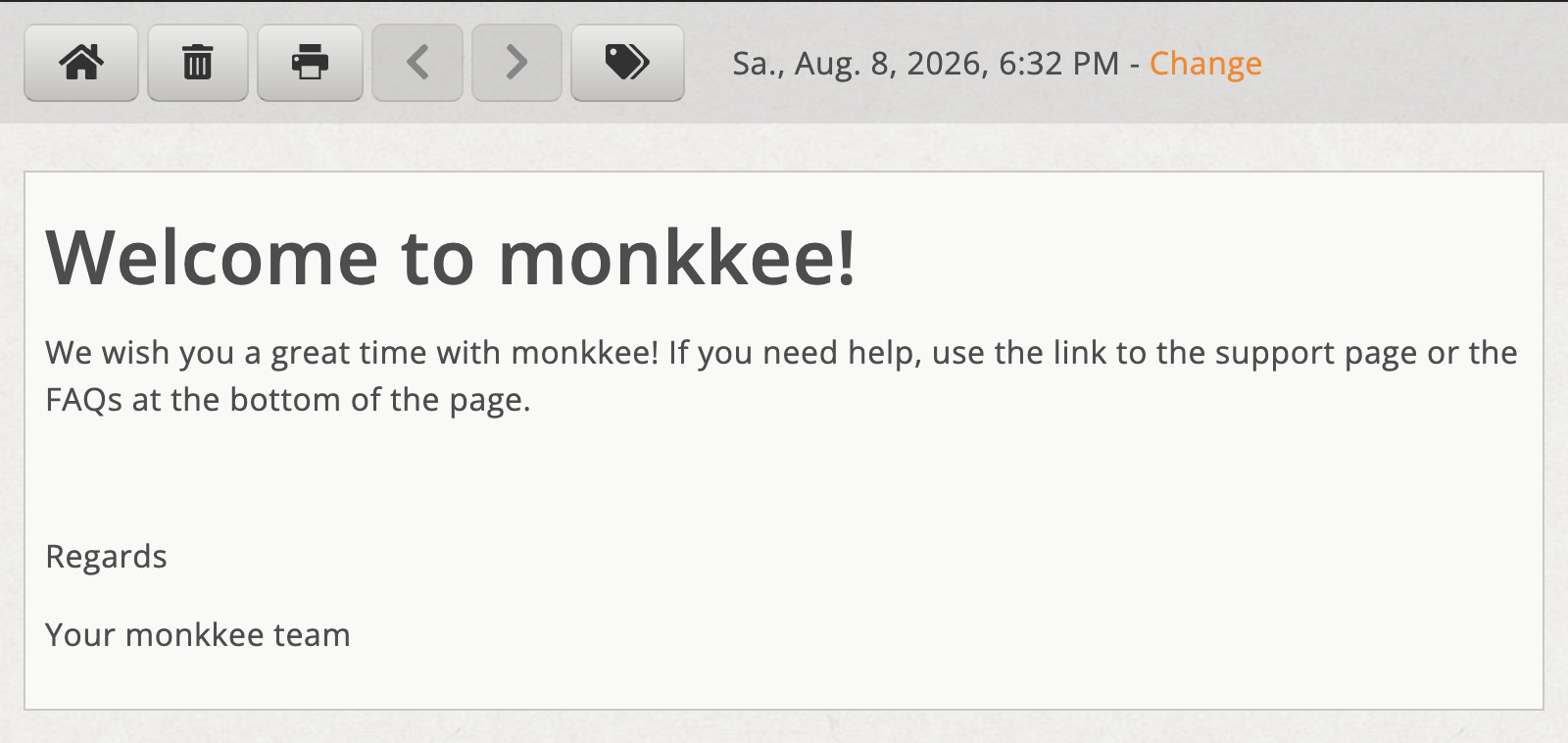
Open entry in individual view
Change date
Click on the link next to the date Change. You can then select the desired date and apply it.

Adjust the entry date using the “Change” link