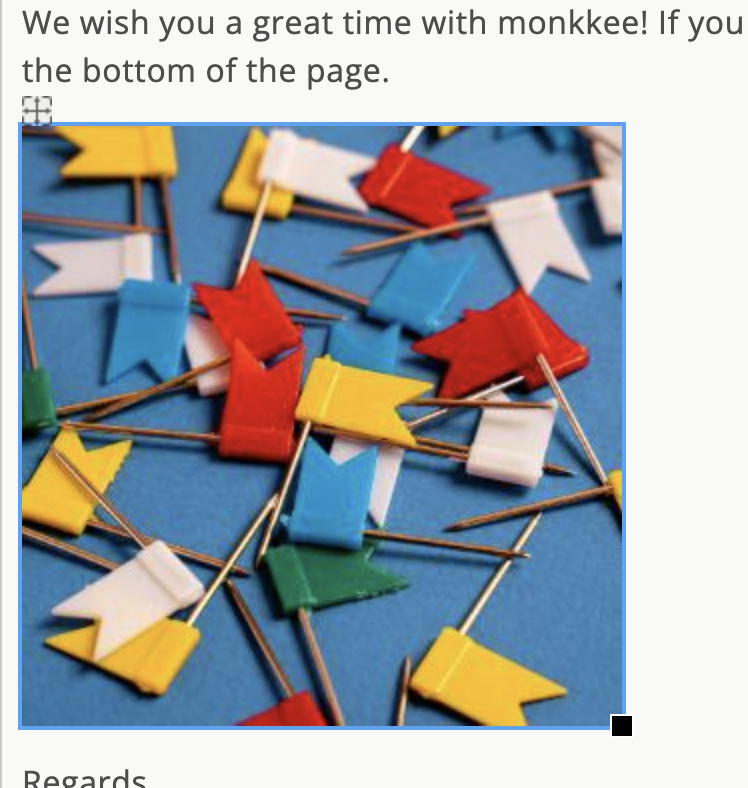
Edit image
You can adjust an already inserted image at any time. To do this, open the image properties directly in the entry.
Edit image
Select the image in the entry and open the edit from the image menu.
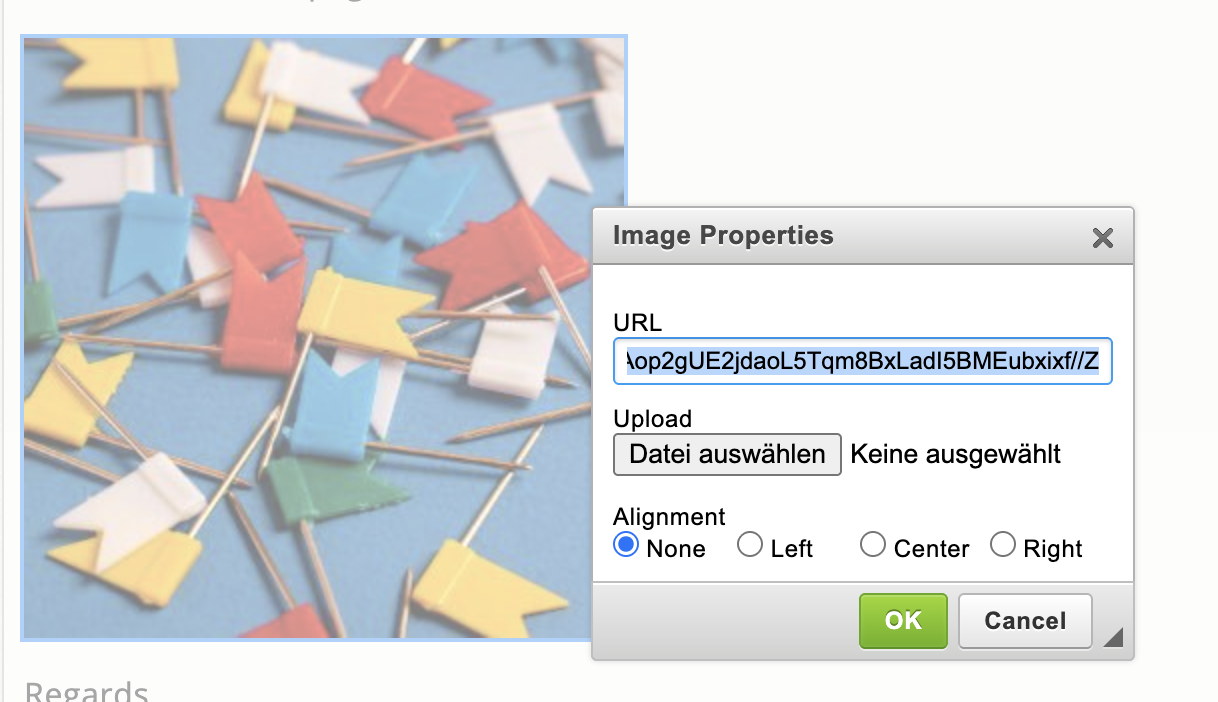
When you select an image file, the field URL automatically filled with a data URL. In this way, the encryption of the images is ensured (see below).
Alternatively, you can also specify an Internet URL with a reference to an image file.
Encryption
Images from the file selection are saved encrypted. The data URL is the technical way through which the encryption of the image content is ensured.
Settings
You have these options for aligning the image: no, left, centered and right.
Change size
You can adjust the image size directly in the entry: To do this, drag and drop the right edge of the image to the desired width.
Change position
With the Position icon you can change the position of the image within the text.