Delete image
You can remove an image directly in the entry. This can be done with just a few clicks in the editing view.
Select image
Click on the image to highlight it.
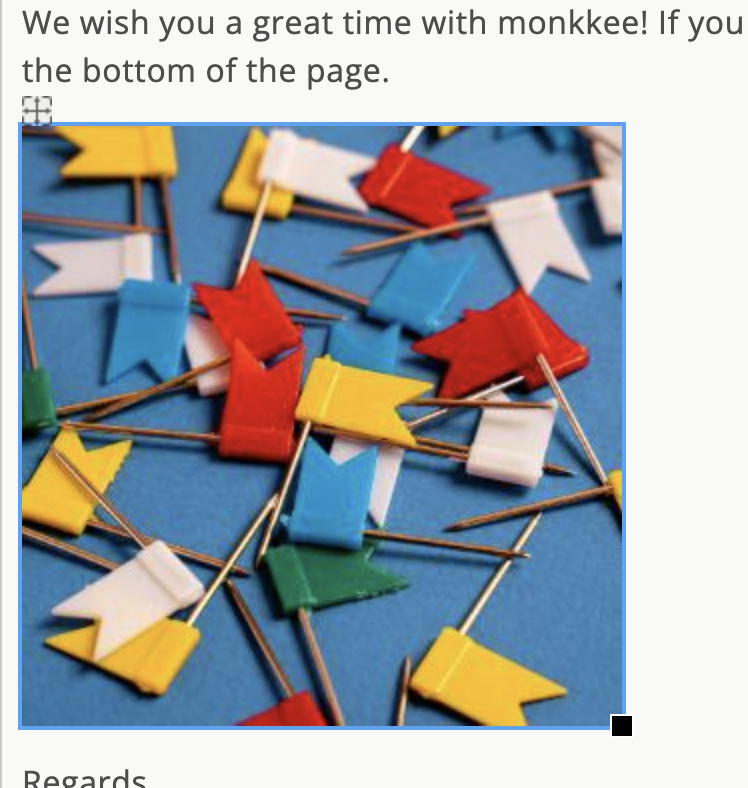
Mark the image by clicking
Remove image
Once the image is marked, you can use it Remove or Backspace delete.
The next time the image is saved, it will also be deleted from the server.
Undo deletion
Immediately after deleting you can use the action Ctrl+Z (Undo) undo. This option is only available immediately and is not permanently available.