Insert image
You can insert images directly into your entry and then align them appropriately. This works via the editor toolbar in the editing view.
Insert image
Click on the image icon in the editor toolbar to open the image dialog.
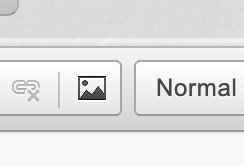
Use the image icon to open the dialog for inserting an image
When you select an image file, the field URL automatically filled with a data URL. In this way, the encryption of the images is ensured (see section Encryption).
Alternatively, you can also specify an Internet URL with a reference to an image file.
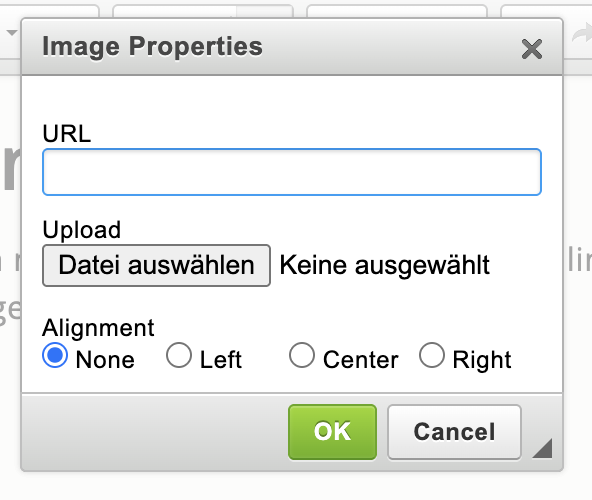
Image dialog with URL field and further settings
Encryption
Images that you insert via the file selection are saved encrypted. The automatically set data URL is the technical way to ensure encryption for image content is ensured within your entry.
Settings
You have these options for aligning an image: no, left, centered and right.