Create tag
You can create and assign tags directly when writing an entry. This makes it easier to find and structure entries later.
Create a day
Open the tag area in the entry and enter the desired tag name in the input field. Then confirm with OK.
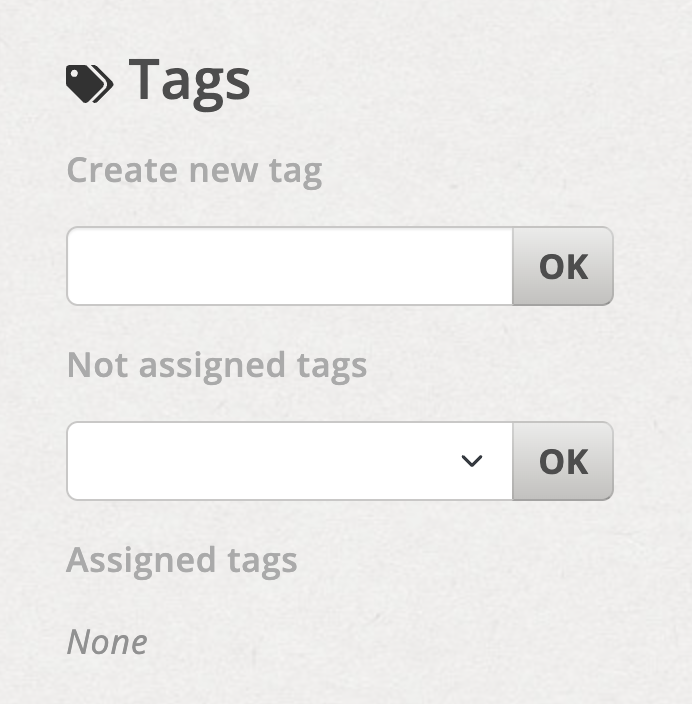
Enter tag name and confirm with OK
If the day already exists
If the name entered matches an existing tag, a new tag will not be created. Instead, the existing tag is associated with the entry.