Remove tag from entry
You can remove tags from an entry at any time. This can be done directly in the tags dialog of the open entry.
Remove tag
In the entry, open the tags dialog using the Tags button in the toolbar. Click the × next to the assigned tag to remove it from the entry.
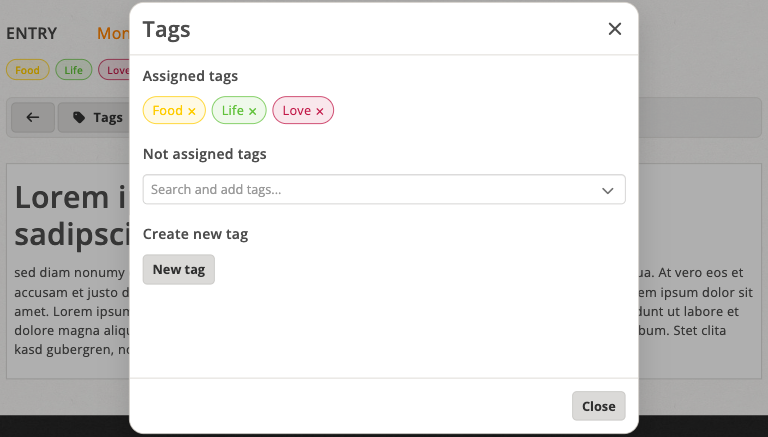
Click the × next to an assigned tag to remove it from the entry