Edit tag
If you want to customize a tag, you can edit it at any time. You can change the name and set a suitable color.
Rename day
Open the tag editor and adjust the name of the tag in the input field. Then save the change.
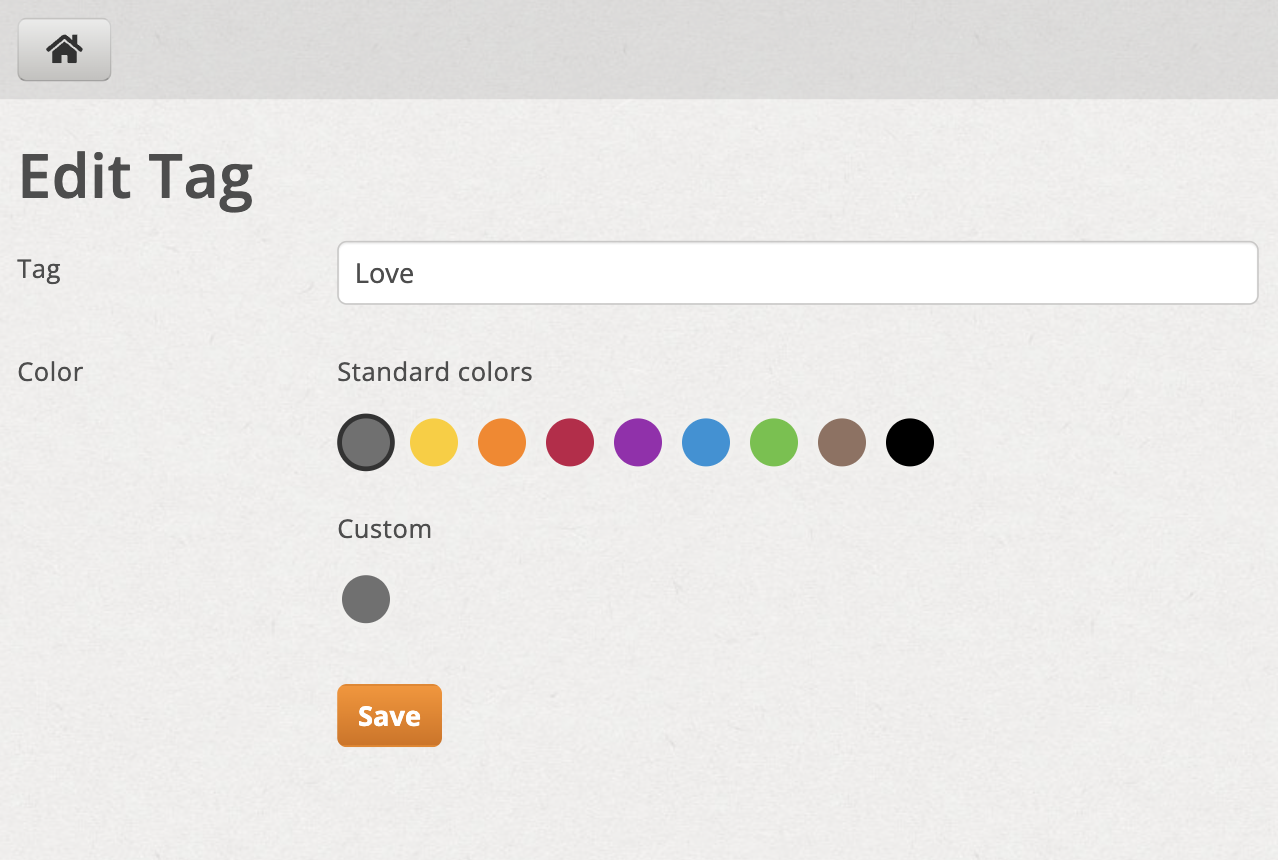
Edit and rename tag
Color selection
You can select the color by clicking on the default color shown. If you want to use your own color, click on the box Custom.
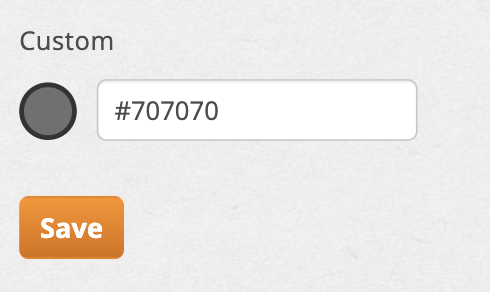
Set your own tag color using the custom field
For custom colors, enter a valid HTML/CSS color code (for example #1f8ceb or rgb(31, 140, 235)).