Delete account
If you want to delete your monkkee account, you can do this yourself at any time. The process is deliberately designed so that only you can trigger and confirm the deletion.
The regular way
The easiest way is to log into your account as normal and start the deletion directly there:
- Log in.
- Open that Settings.
- Go to the area Delete account.
- Click on the red button to start the deletion process.
- Then confirm the deletion using the link in the email that is sent to you.
As soon as you confirm the link in the email, the deletion is complete.
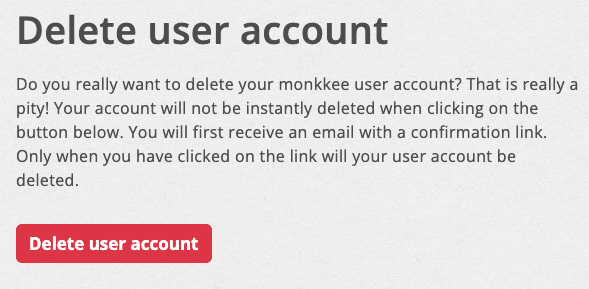
Form for deleting your monkkee account
If you have forgotten your password
Even then, you can delete your account yourself. Simply use this link: https://monkkee.com/account/delete_account.
After submitting the form, you will also receive an email with a confirmation link. You can use this link to complete the deletion of your account, even without logging in first.