Login
The first login is possible as soon as your Registration including email confirmation was successfully completed.
This is how you register
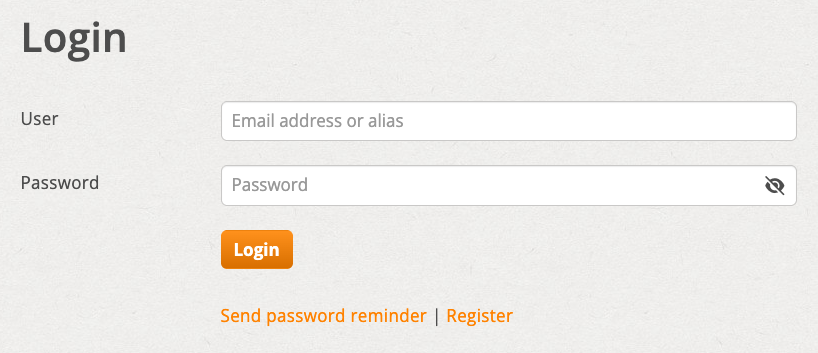
Get in touch with yours E-mail address or your login alias (see below) and the one chosen during registration password to. Start the login with the login button.
CAPTCHA query
When you log in there is a CAPTCHA query based on Cloudflare gymnastics styles. This ensures that the login comes from a real person.
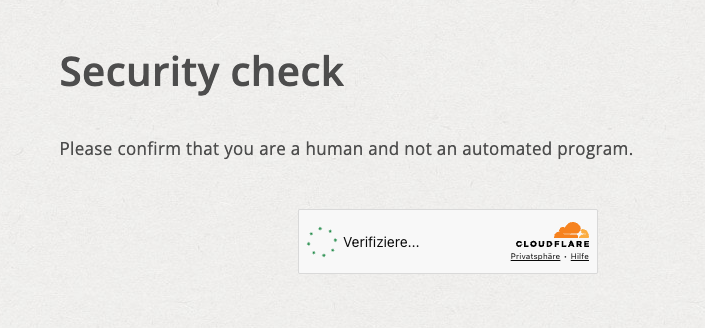
Once the query has been successfully passed, it is usually not displayed again during subsequent logins.
After the first login
After you log in for the first time, you will see one Welcome entry. You can use this as a starting point for your first entry or simply delete the welcome entry.
Optional: login alias
You can do one later in the settings Login alias establish. This serves as a shorter alternative to the email address for login.