Change password
You can change your password at any time in the settings. Take a moment to do this and, if possible, work in a stable environment.
Requirements
Changing the password is possible with any device.
Recommended are:
- a stable device (computer or powerful mobile device)
- a stable internet connection
Change Password
Open the password change section in Settings and fill out the form:
- Old Password
- New password and Confirmation
- optional Password hint (see below)
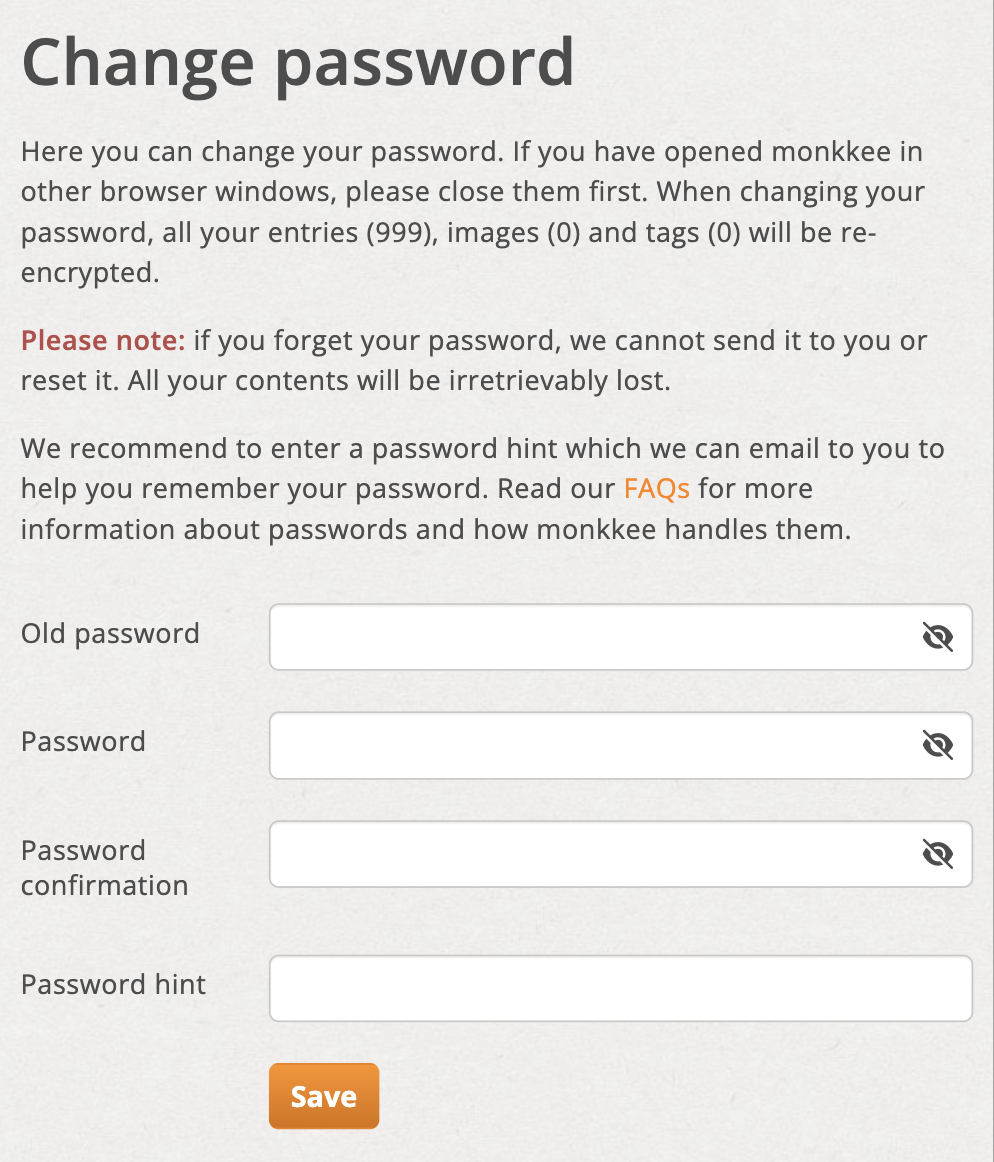
Password change form
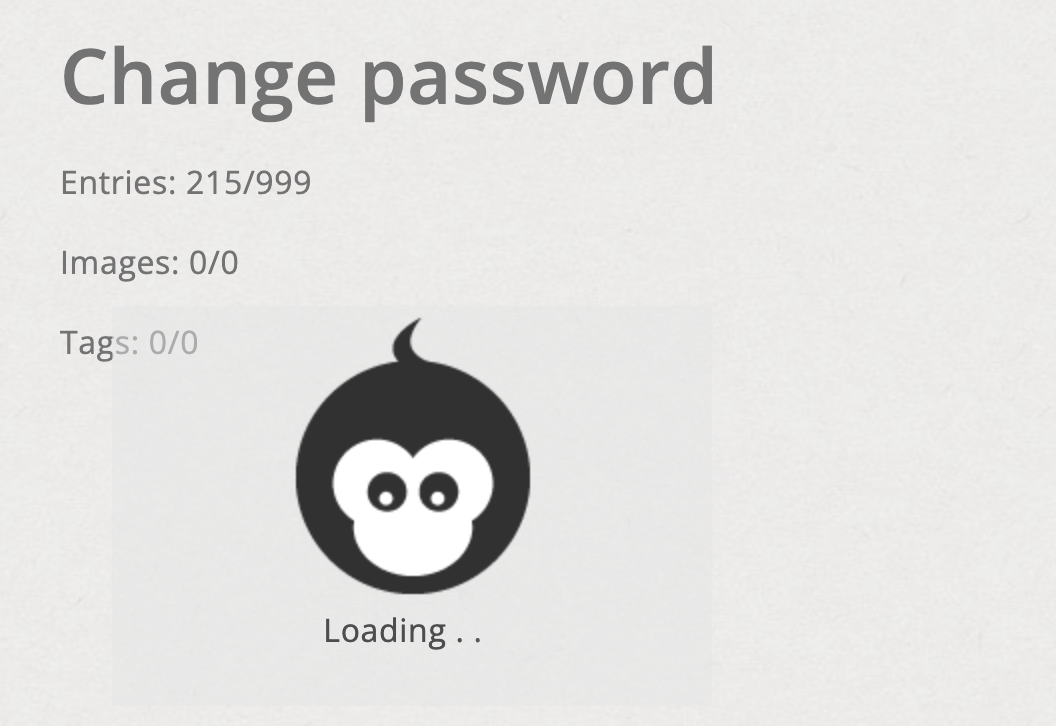
Status display during password change
Password hint
Be sure to use the password hint. It is a strong safeguard in case you change your password later don't know for sure anymore.
Important: The note should never contain the password itself, but only a personal one Thought support.
You can read why this is so important in the article Forgotten password = account inaccessible!!!.